
Private incognito camera. Your vault starts at the shutter.
Every capture is encrypted automatically, with no setup and nothing to remember. Photos never touch your phone’s storage unencrypted, and nothing reaches your gallery or backups unless you export it.
AES-256, with a key that never leaves your phone
- Android
- Photos, video and document scans
- iPhone
- Coming soon, photos first
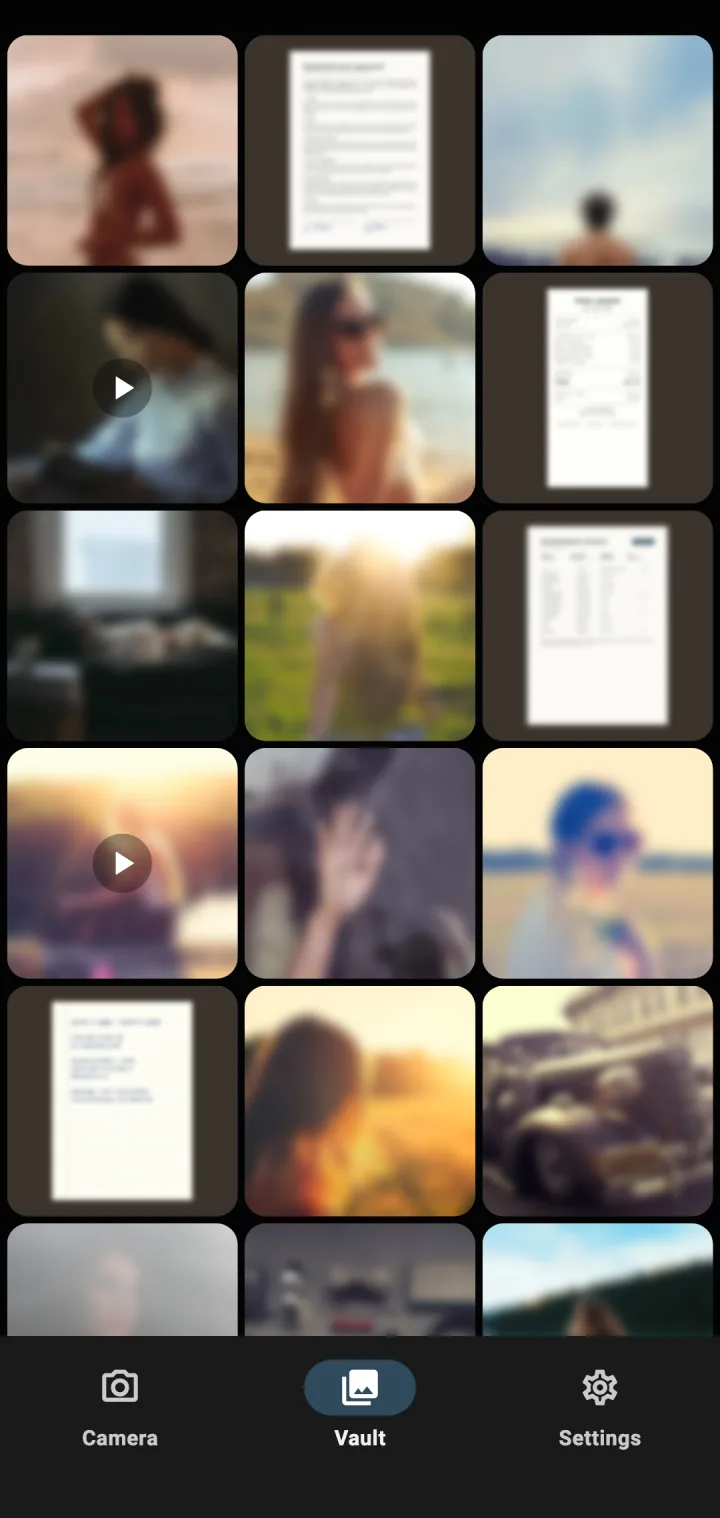
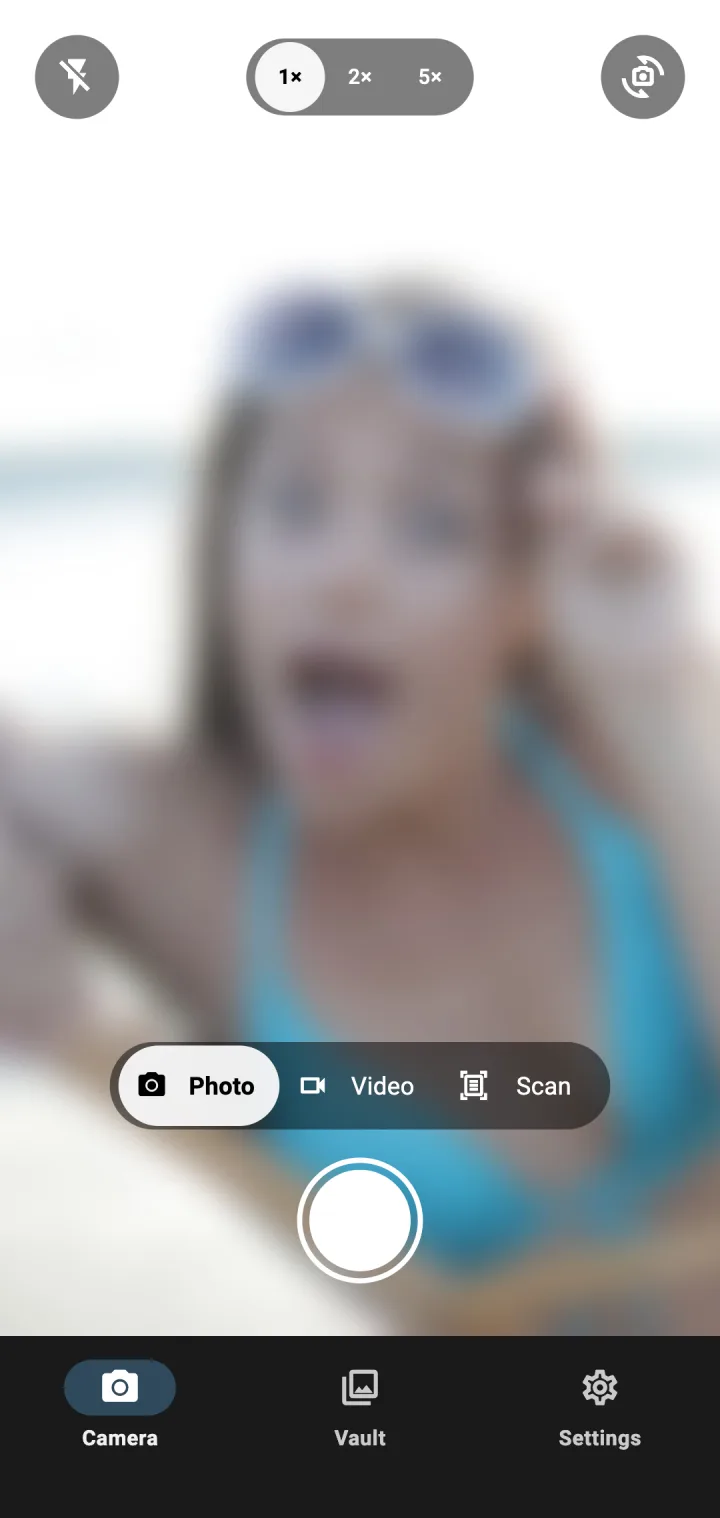
Encrypted before it touches storage
A normal camera saves the photo as a file first, and hiding it later cannot undo the copies already made. InCamera never makes an unencrypted one. This is the path of every photo you take.
1.Captured into memory
The camera hands the photo, or the page you scan, to InCamera in memory, never as a file.
2.Encrypted right there
Photo, thumbnail and details like the date are encrypted with AES-256 before anything is saved.
3.Saved to your vault
Only encrypted data reaches storage, inside the app’s private space.
Never written to
- Your gallery
- Cache or temp files
- Android backups
- Screenshots
Video works a little differently: while you record, the clip is written to a temporary file inside the app’s private storage. It is encrypted when you stop, and the temporary file is deleted.
Comparing vault apps? See how a photo vault that starts at the camera differs from hiding photos later.
Three ways to capture, all private
InCamera is your second camera. Keep your normal camera for everyday shots, and open InCamera for the ones that are nobody else’s business. Everything it does on your phone is listed on the secure camera app for Android page.
Photo
Flash, zoom up to 5× and both cameras. Encrypted before it is saved.
- Android
- Now
- iPhone
- At launch
Video
Record clips straight into the vault. Encrypted when you stop.
- Android
- Now
- iPhone
- Later
Scan
Receipts, contracts, IDs. InCamera finds the page edges for you.
- Android
- Now
- iPhone
- Later
Sealed for everyone but you
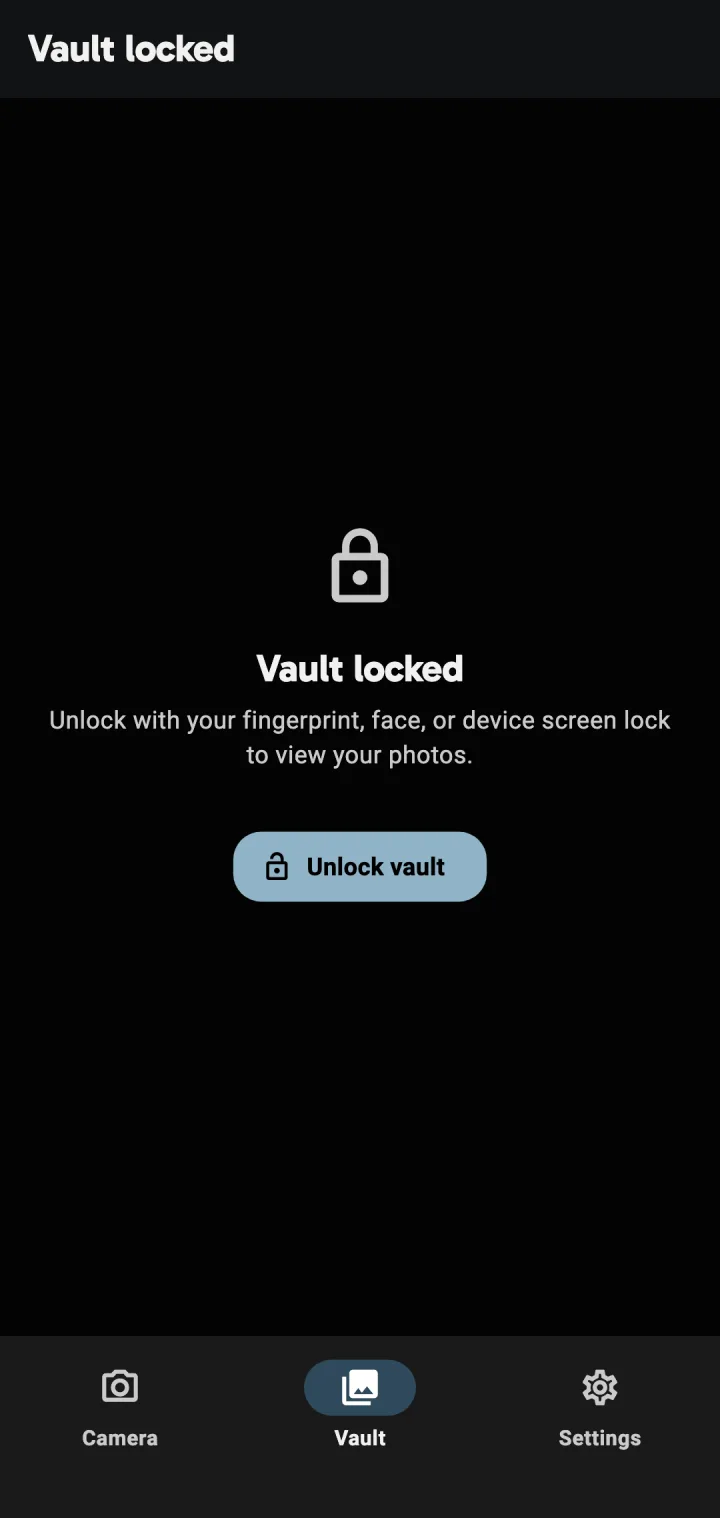
Even on your own phone, the vault stays closed until you open it, and nothing inside can be read without the key.
A key that never leaves
AES-256 encryption, with a key created and held by Android’s Keystore that cannot be exported.
Locked when you leave
The vault opens with your fingerprint, face or screen lock, and relocks when you switch apps.
Untouchable until you export
While a photo is in the vault, no other app can reach it. Export it and it becomes an ordinary photo that other apps may be able to read, so export only what you are ready to share.
No cloud, no account
InCamera has no upload feature and nothing to sign up for. We cannot read what is in your vault: the only key is on your phone.
There is no backup, on purpose
Your vault lives only on this device. If the phone is lost or reset, or you uninstall InCamera, what is in the vault is gone and nobody can recover it, including us. Export anything you need to keep.
Take your next photo straight into a private vault
Download InCamera on Google PlayFor Android. The iPhone version is coming soon.
InCamera is built by TomPod AB, a one-person software company in Sweden. Behind it is close to 30 years of building software, from mobile apps to web products.
Privacy on the phone is familiar ground. TomPod also built InBrowser, a mobile browser where private mode was the default rather than a tab you had to remember. It reached millions of installs and is now maintained by Private Internet Access. InCamera brings the same idea to the camera.