
A secure camera app for Android
InCamera takes photos, videos and document scans straight into an encrypted vault on your phone. Nothing goes to your gallery, and there is no cloud and no account.
Android 7.0 or later. Asks for camera access, and microphone access for video.
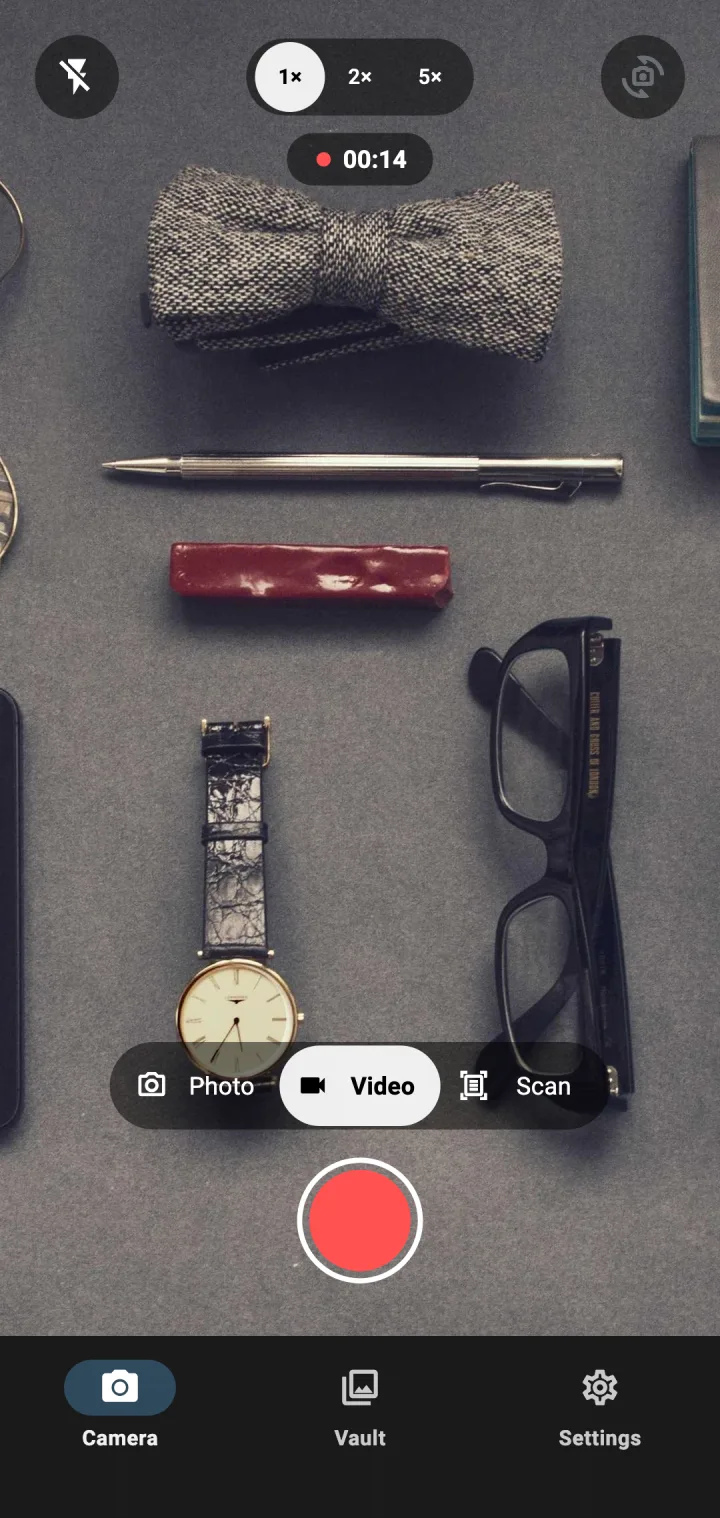
Three modes, one vault
Photo
Flash, 1×, 2× and 5× zoom, and the front and back cameras. The camera hands each photo to InCamera in memory, and it is encrypted before it is saved.
Video
Clips are recorded straight into the vault. While you record, the clip is a temporary file inside the app’s private storage; it is encrypted when you stop and the temporary file is deleted.
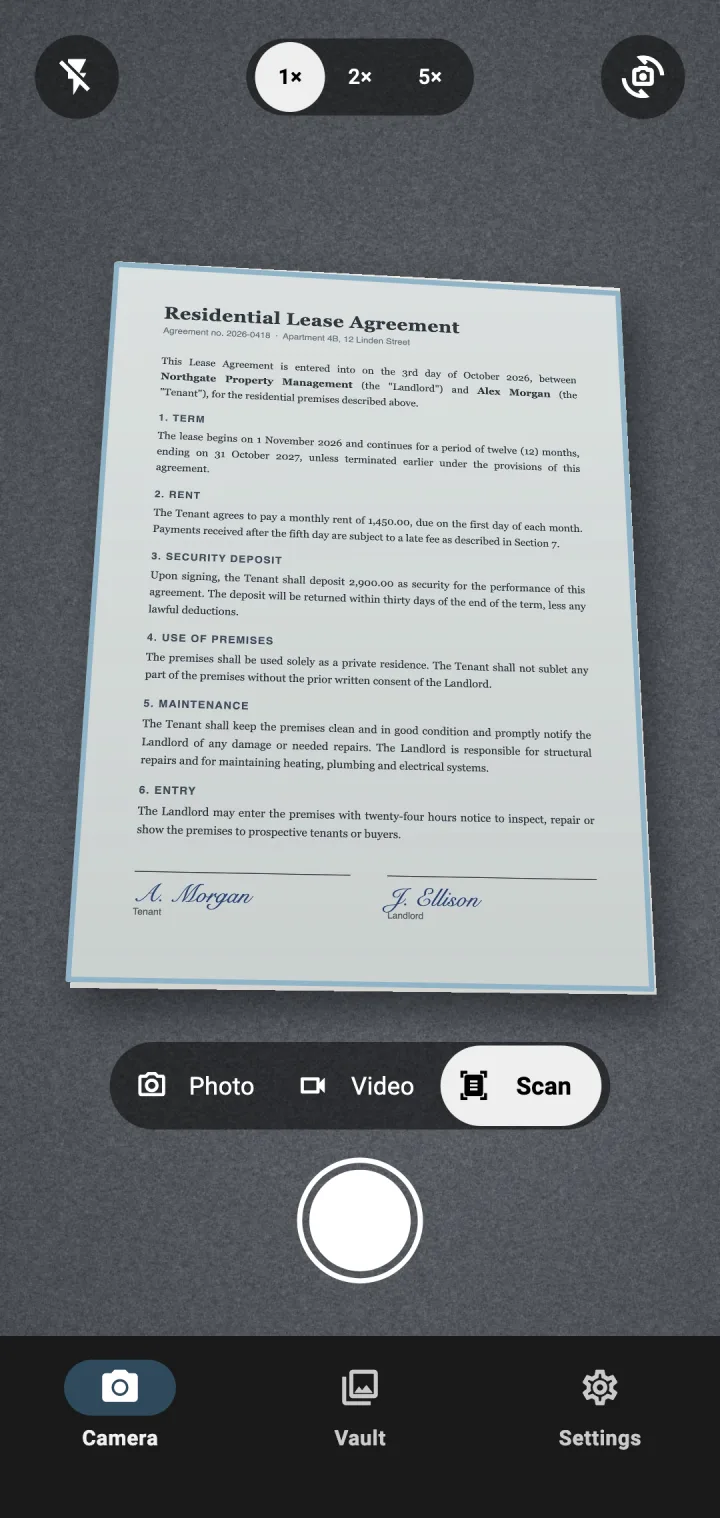
Scan
Point the camera at a receipt, contract or ID. InCamera finds the page edges and straightens the page in memory, then encrypts it like a photo.
What secure means on your phone
Not a promise, a list of what the app actually does on Android.
A key that stays on the phone
Everything in the vault is encrypted with AES-256. The key is created and held by Android’s Keystore and cannot be exported.
Never in your gallery
InCamera never adds a capture to the phone’s photo library, so gallery apps and photo backup services do not see it.
Left out of Google backup
Android’s automatic backup to Google Drive is switched off for InCamera, so the vault is not copied to the cloud with your other apps.
No screenshots, no previews
Screenshots, screen recordings and app-switcher previews are blocked everywhere in the app.
Locks when you leave
The vault opens with your fingerprint, face or screen lock, and locks again when you switch apps.
No account
There is nothing to sign up for and no upload feature. We cannot read what is in your vault.
Good to know before you install
Photos you already took? Android has built-in ways to hide them: see how to hide photos on Android and on a Samsung Galaxy.
- Does InCamera replace my camera app?
- No. It is a second camera: keep your normal camera for everyday shots and open InCamera when you are about to take something private, like opening an incognito tab in a browser.
- Can other apps see my InCamera photos?
- Not while they are in the vault. If you export a photo, it becomes an ordinary photo that other apps with the right permissions may be able to read, so export only what you are ready to share.
- What happens if I lose my phone?
- The vault lives only on that phone and there is no backup, so its contents are gone. The same goes for resetting the phone or uninstalling InCamera. Export anything you need to keep.
- Can I move photos I already took into InCamera?
- No. InCamera is a camera: the vault is filled by taking photos, videos and scans in the app. The photo vault page explains why it works this way. How InCamera’s photo vault works
- Is there an iPhone version?
- It is coming, with photos first. Video and scanning on iPhone come later.